Where it came from
I know Japanese, and I am still learning it. An unfamiliar kanji can stop you even when you understand the rest of the sentence: if you do not know the reading, you cannot really move through the line.
For years I used Aedict’s popup reader on Android. When I moved to iOS, I never found an equivalent that felt as useful without compromising the reading experience. Apple Books is a lovely reader, but it stops at being a reader; the language-learning alternatives I tried often felt choppy or unfinished.
After some time away from Japanese, I could feel that friction more clearly. I could still read, just a little more slowly. Around the same time I had started learning Chinese and Korean. I wanted help that could keep me moving through a book without turning every page into a lesson, so I started building Fleuron.
Reading is how the language stuck
After memorising roughly two thousand kanji, I mostly went straight into books. That is where Japanese began to feel like a language instead of a syllabus, and where I picked up much of my vocabulary from context.
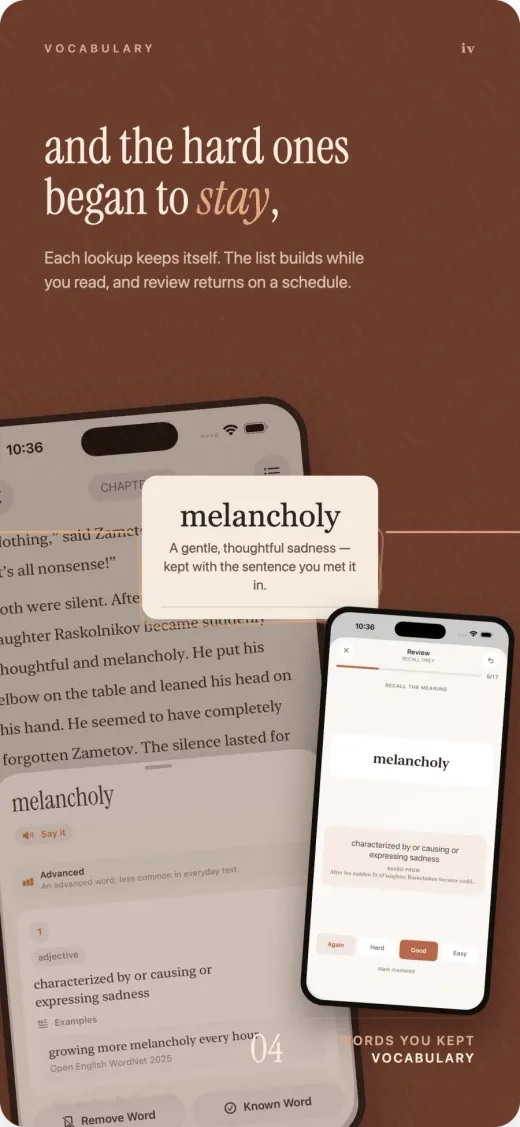
What I never had was a natural path from meeting a word to actually learning it. In Fleuron, a word can move from the page into your saved vocabulary, then return later in the built-in spaced-repetition review. Reading and study stay connected without becoming the same activity.
Help that stays out of the way
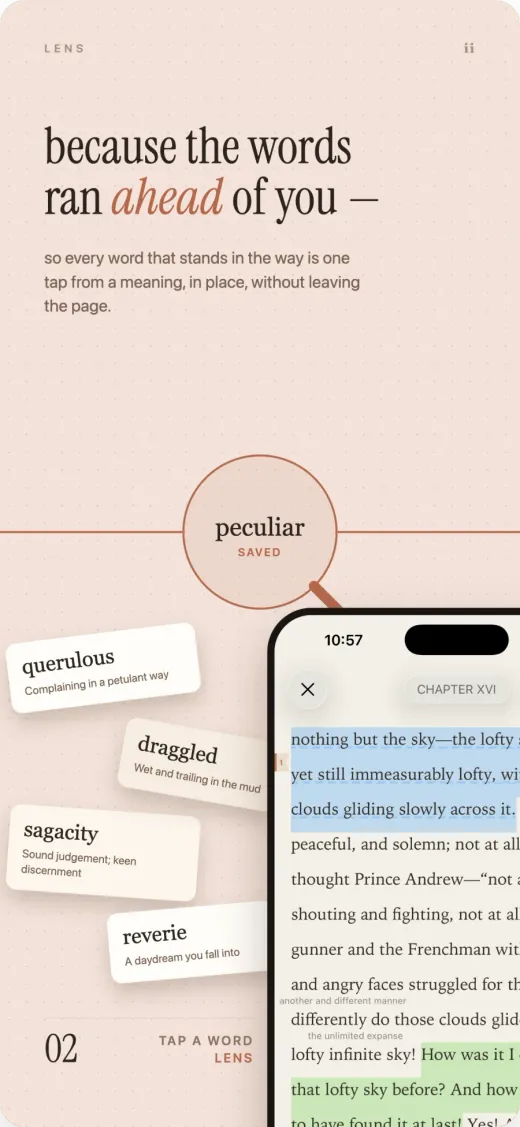
Lens has two modes. Reading mode adds readings above kanji; Meaning mode adds short meanings beside unfamiliar words. Each has a slider for how much help appears, so the page can fill only the gaps instead of explaining things you already know.
The rule underneath it is simple: showing nothing is better than teaching something wrong. Language analysis happens when a book is added, not while a page is turning, and uncertain hints stay off the page. The result should feel like reading with a little less friction, not reading underneath a layer of software.
A reader first
I did not want the learning features to excuse a mediocre reader. Fleuron has the things I expect from a proper one: considered typography, themes, font and size controls, a useful table of contents, and vertical text for Japanese.
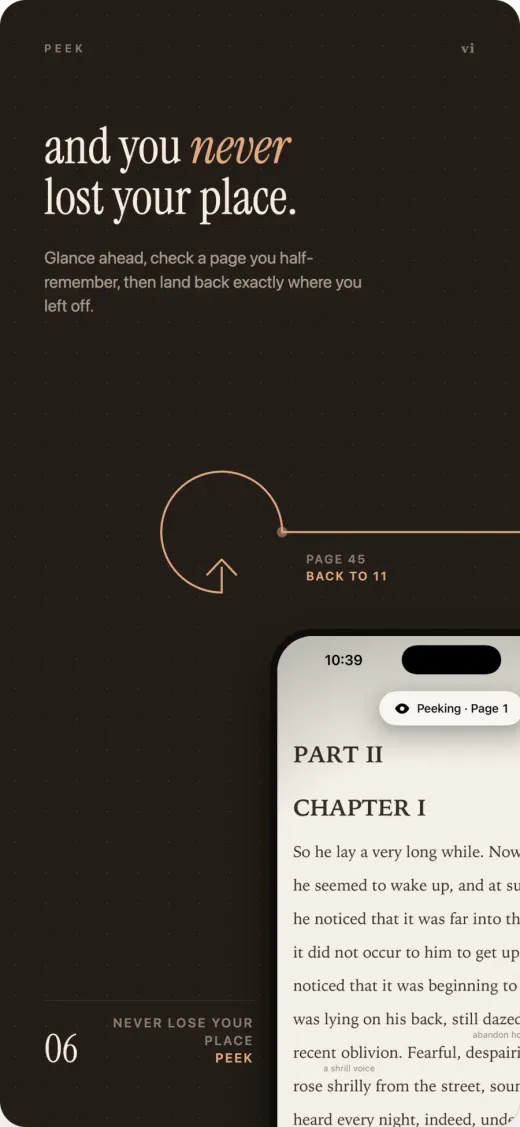
Peek lets you move backward or forward to check something without losing your place. Highlights and notes are built in too; notes support Markdown and can connect to other notes, saved words and entries from Compass.
A map of the book, without spoilers
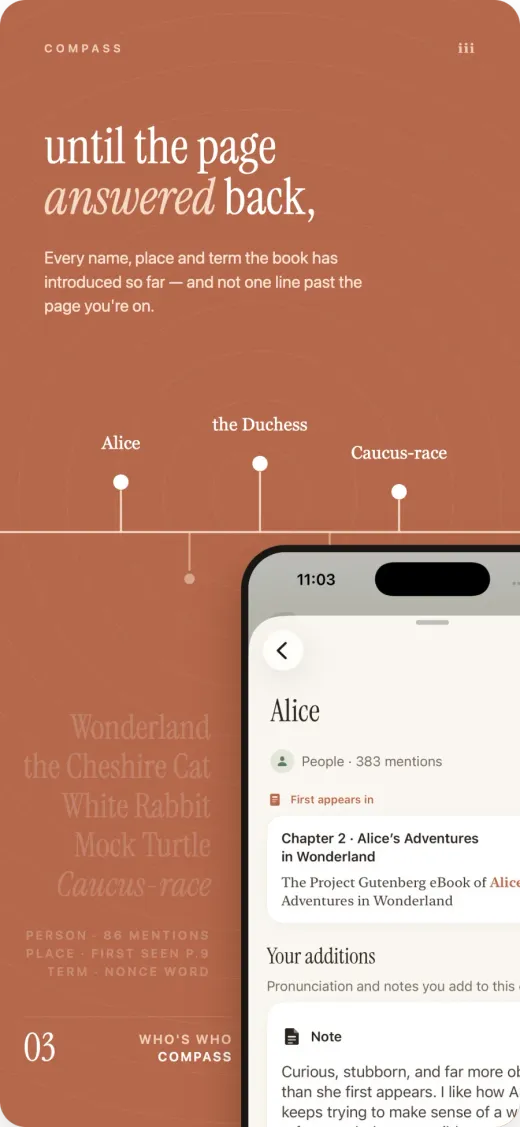
Compass keeps track of the people, places and terms a book has introduced. It only knows the story up to the point you have read, so checking a name cannot quietly reveal what happens eighty pages later.
It is there for the familiar moment when someone returns after several chapters and you think, “Wait — who was that again?”
What stays with you
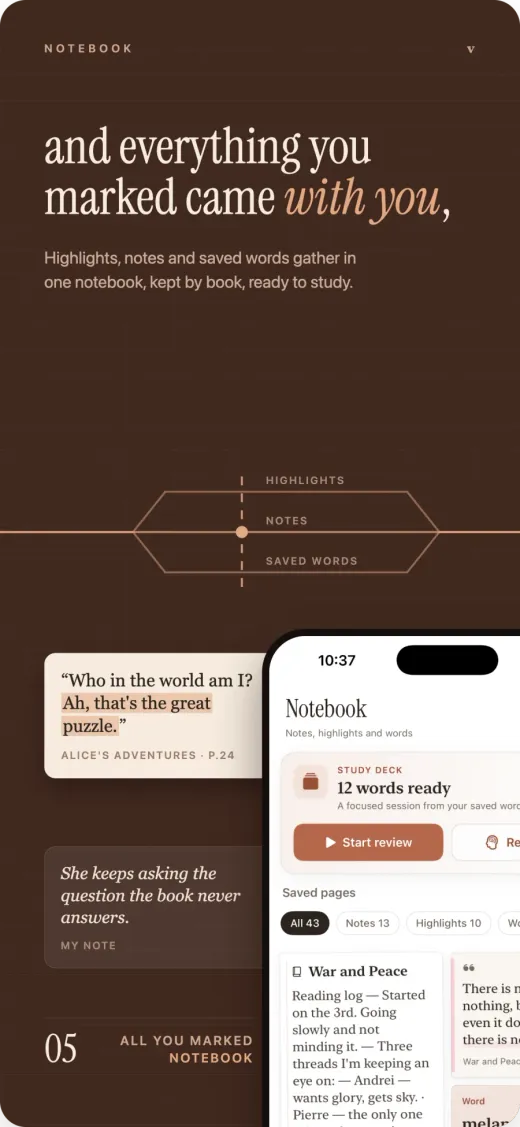
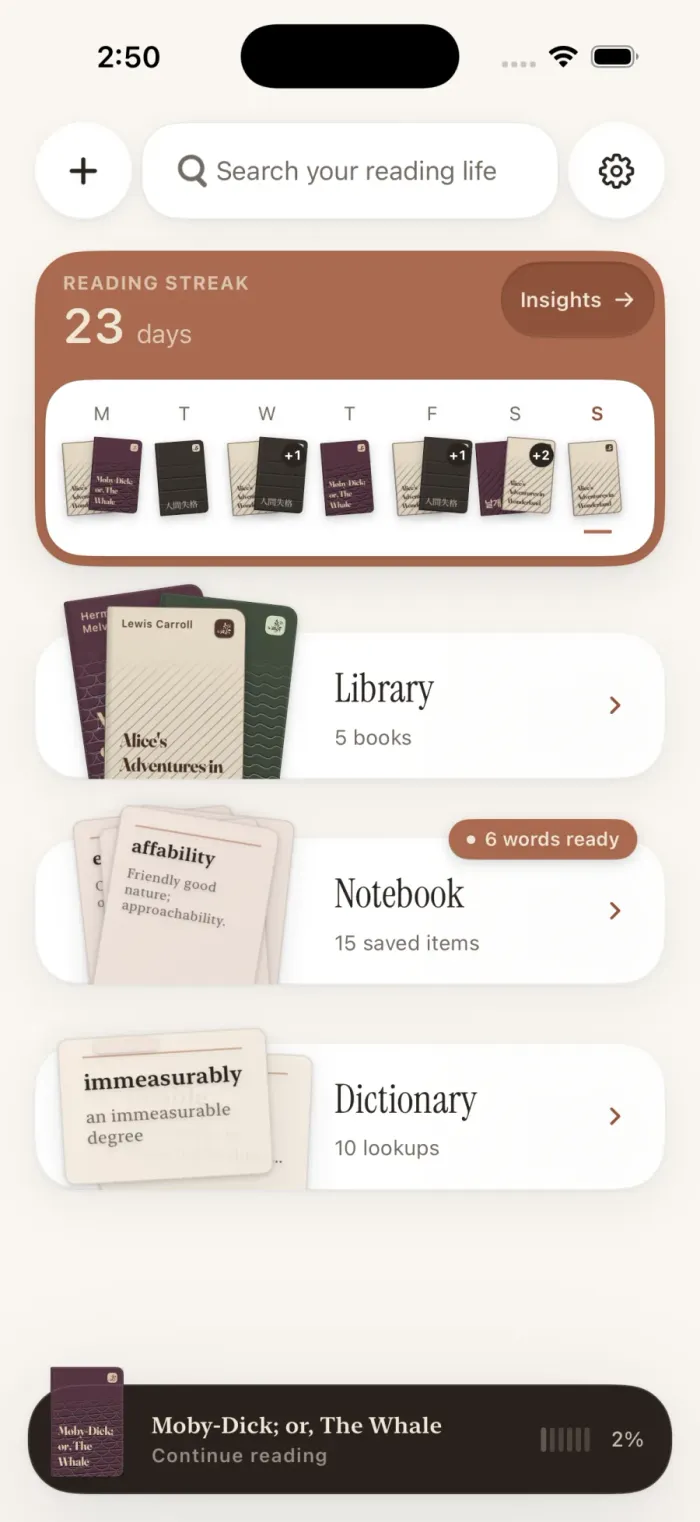
The Notebook gathers notes, highlights and saved words by book, while Insights shows how reading and recall are developing over time. Fleuron is local-first and has no telemetry. Your books, annotations and learning history remain yours.
Fleuron is the reader I wanted when I returned to Japanese: one that helps when I need it, disappears when I do not, and lets reading remain reading. I am building it around the way I want to keep learning Japanese, Chinese and Korean — through books, in context, one word at a time.